AI
Popular AI models, one API.
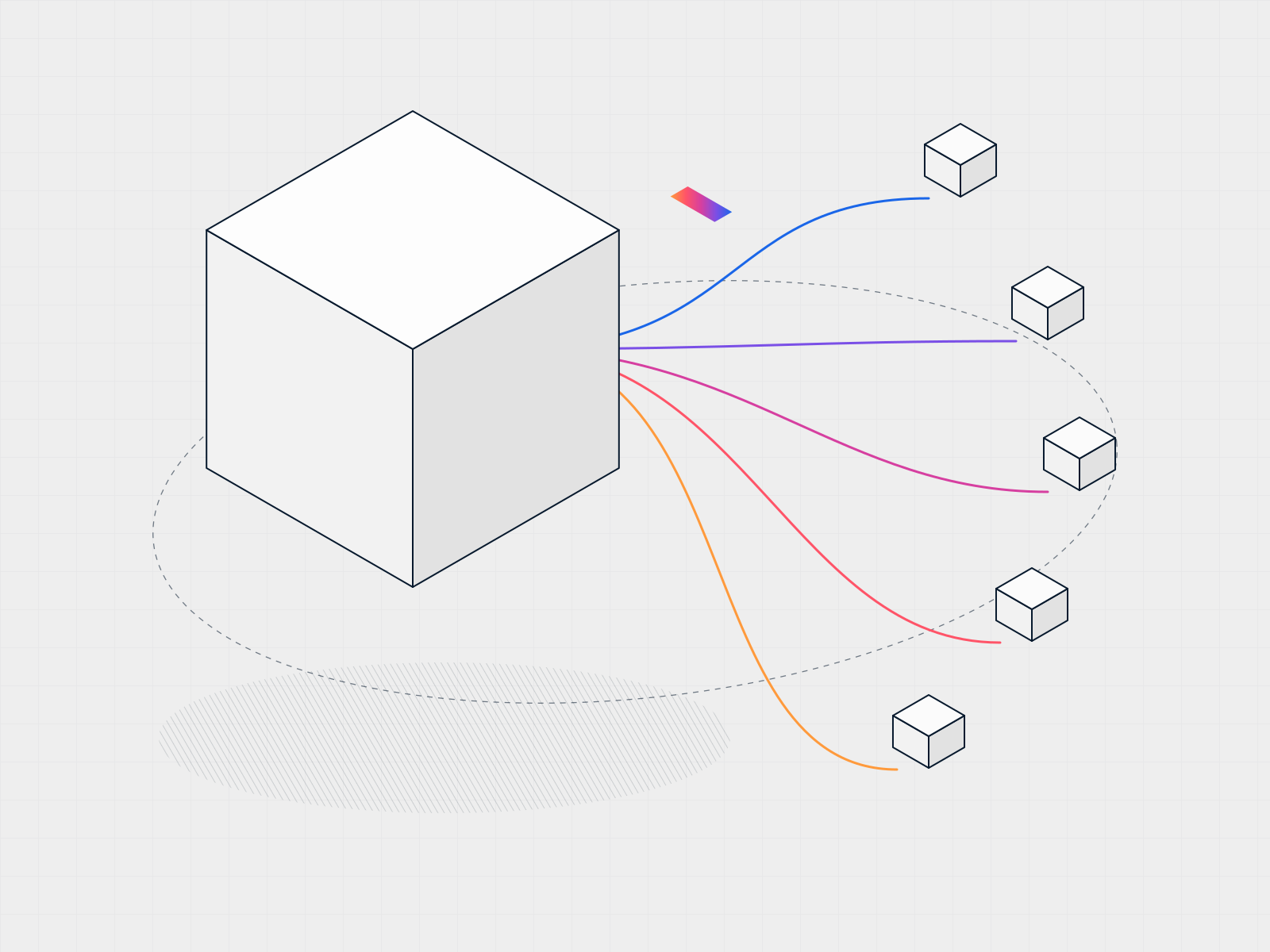
Use models from many providers through one OpenAI-compatible API. Try them in the Playground, create API keys, track usage, and pay with token credits.
No credit card needed. Pay with QRIS.
- Change only the base URL
- OpenAI-compatible
- One key for every model
- Many providers
- Try models before you code
- Playground
- Pay in rupiah as you go
- Token credits
Features
One API in front of many models.
Use the OpenAI SDK you already know, with models from many providers and the controls to manage spend.
OpenAI-compatible API
Keep your OpenAI SDK and code. Point the base URL at SinarCloud and use your SinarCloud key.
Models from many providers
Choose from leading open and commercial models for chat, reasoning, coding and embeddings.
Playground
Try prompts on different models side by side before you write any code.
API keys
Create a separate key for each app or environment and revoke it at any time.
Usage tracking
See requests, tokens and spend per key and per model.
Token credits
Top up with QRIS and pay each model's token price, with no subscription.
How it works
Switch by changing one line.
Point your OpenAI client at SinarCloud and keep the rest of your code as it is.
- 1
Create an API key
Generate a key in the console for the app that will call the API.
- 2
Change the base URL
Point your OpenAI client at SinarCloud and swap in your key.
- 3
Pick a model
Use any model from the catalog by its ID, and switch whenever you like.
import os
from openai import OpenAI

client = OpenAI(
    base_url="https://api.sinarcloud.com/v1",  # the only change
    api_key=os.environ["SINARCLOUD_API_KEY"],
)

reply = client.chat.completions.create(
    model="MODEL_ID",  # any model from the catalog
    messages=[{"role": "user", "content": "Summarize this report."}],
)
print(reply.choices[0].message.content)
Use cases
Where teams put AI to work first.
Practical features that save your team and your customers time.
Add AI to your product
Build chatbots, smart search or writing help, reusing your existing OpenAI code by only changing the base URL.
Customer support automation
Answer common questions 24/7 and pass the hard ones to your team.
Content and data at scale
Summarize documents, write product descriptions, translate between Indonesian and English, and pull data out of text.
Pricing
Pay per token, in rupiah.
Top up token credits with QRIS and pay each model's token price as you go. Track spend per key in the console.
- Billed in rupiah from your SinarCloud balance
- Top up with QRIS, no credit card needed
- Volume pricing for larger teams
Do I have to rewrite my OpenAI code?
No. The API is OpenAI-compatible, so you only change the base URL and the API key.
Which models can I use?
Models from many providers for chat, reasoning, coding and embeddings. The current list, with prices, is in the console.
How is usage billed?
With token credits. You top up your balance with QRIS, and each request uses credits based on the model's token price.
Can I try models before integrating?
Yes. The Playground lets you test prompts on different models without writing code.
Can I control what each app spends?
Create a separate API key for each app or environment and track the usage of each one.
Let your ideas shine.
Create an API key, change one line and ship your first AI feature.